Get Started with LinkedOut
Set up the extension in minutes. Link your own API key directly inside your browser client to unlock full power with zero subscription costs.
Install the Extension
LinkedOut is officially published on the Chrome Web Store for safe, single-click installation:
- Visit the official Chrome Web Store listing page.
- Click the blue "Add to Chrome" button.
- Approve the permission request to complete the installation.
- Pin the LinkedOut icon to your browser's toolbar for quick access.
Connect Your API Key
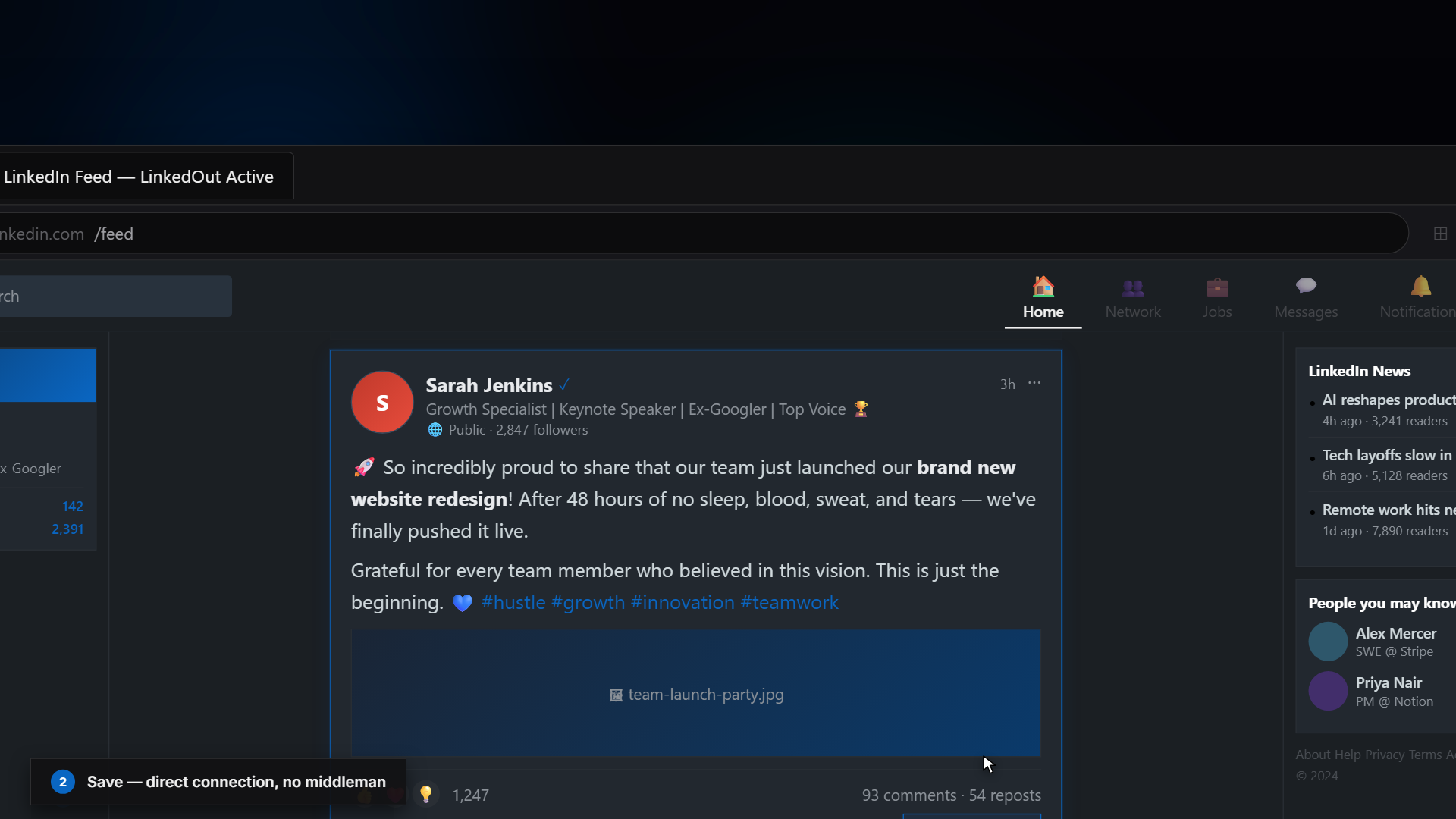
To eliminate subscription fees and secure your privacy, LinkedOut operates on a "Bring Your Own Key" (BYOK) model. The extension connects directly to AI providers from your browser—no middleman.
API Options & Pricing:
Get a Gemini API key for free at Google AI Studio. Allows 15 requests/min—more than enough for daily reading.
Extremely cheap (fraction of a cent/roast). A single dollar of API credits easily translates thousands of posts.
Highly articulate and extremely sarcastic, but requires a paid Anthropic developer key.
Deconstruct the Feed
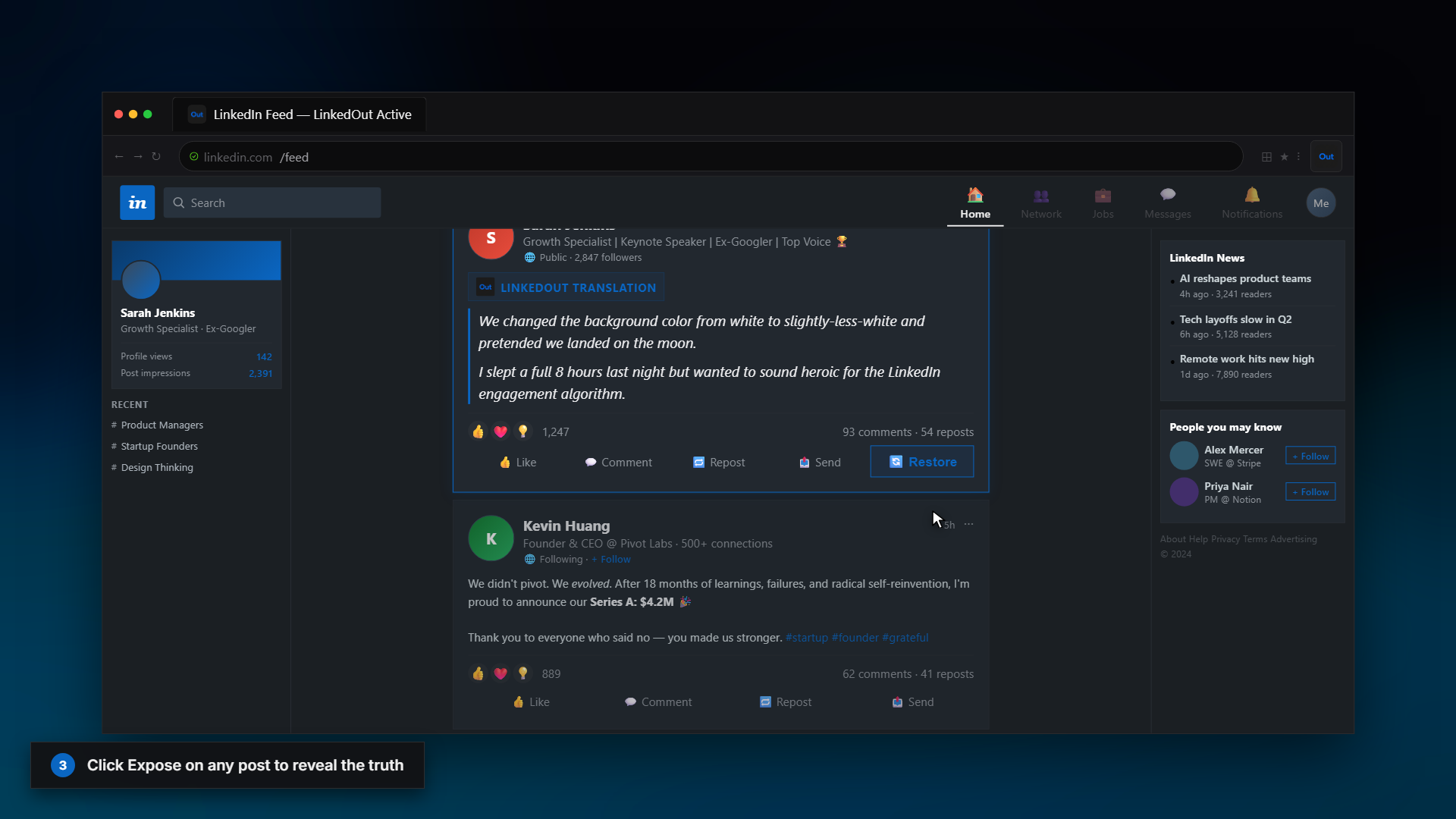
Once configured, navigate to LinkedIn. You will see inline "Expose" buttons natively injected above posts:
- Click Expose on any post to replace it with a brutally honest, sarcastic translation card.
- The translation card breaks down hidden intents, corporate archetypes, sincerity metrics, and decodes corporate buzzwords.
- Enable Auto Expose in the extension config tab to translate posts automatically as you scroll!
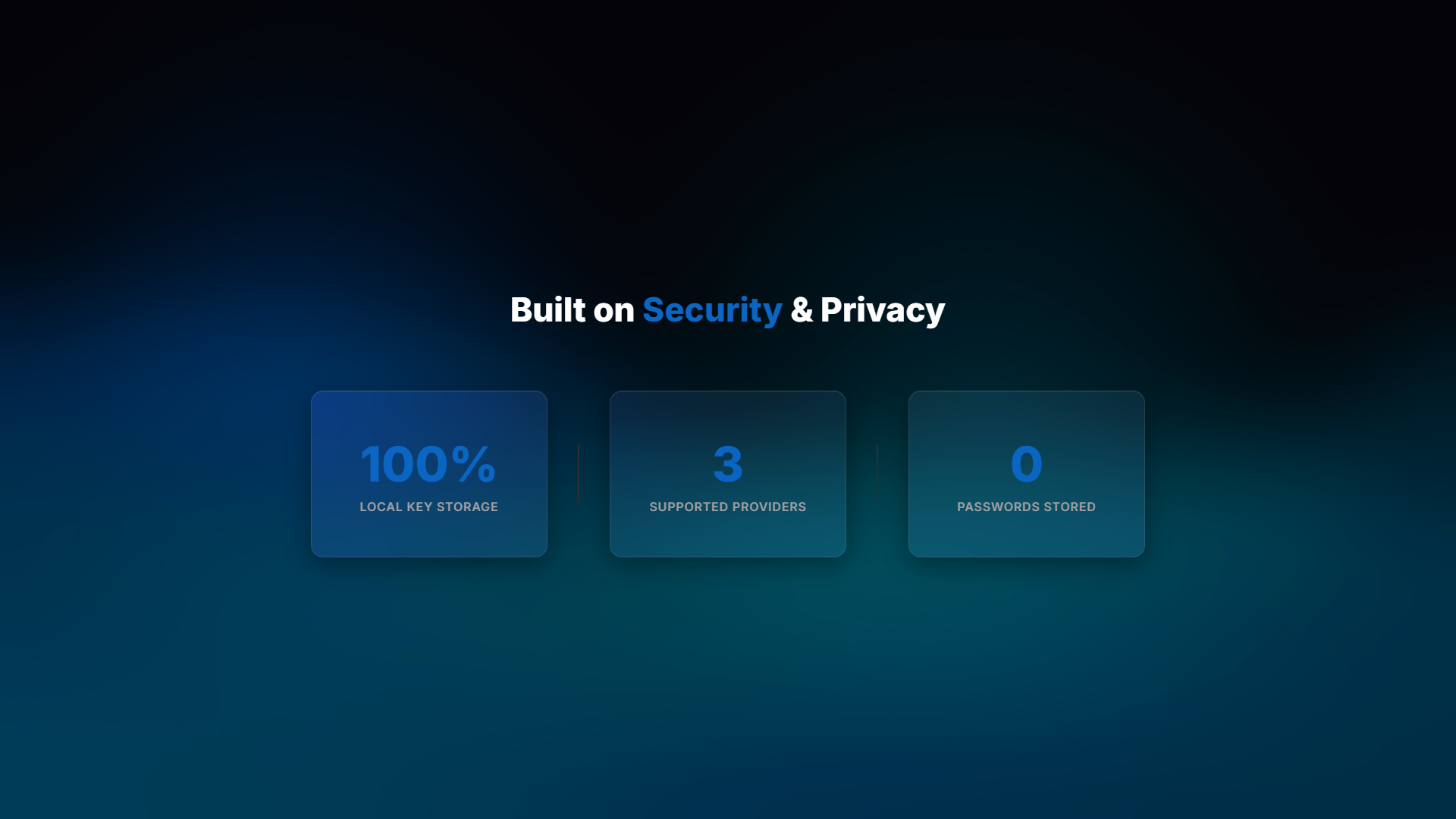
100% Safe Local Keys
Security is our absolute priority. Because the extension is open source and runs entirely on your local machine:
- Your keys are stored strictly in your browser's local sync storage.
- All AI requests are initiated directly from your browser extension client-side straight to the official model endpoints.
- No keys, passwords, or feed contents are ever sent to our servers.